Payments & payouts
How Stripe onboarding works
Step-by-step Stripe onboarding walkthrough from Settings to payouts.
When you are ready to enable payouts, start in nowyouseeme:
- Open Settings
- Tap Payout Details
- Tap Connect Stripe account
After this, nowyouseeme opens Stripe's secure onboarding flow.
1) Let's start with some basics
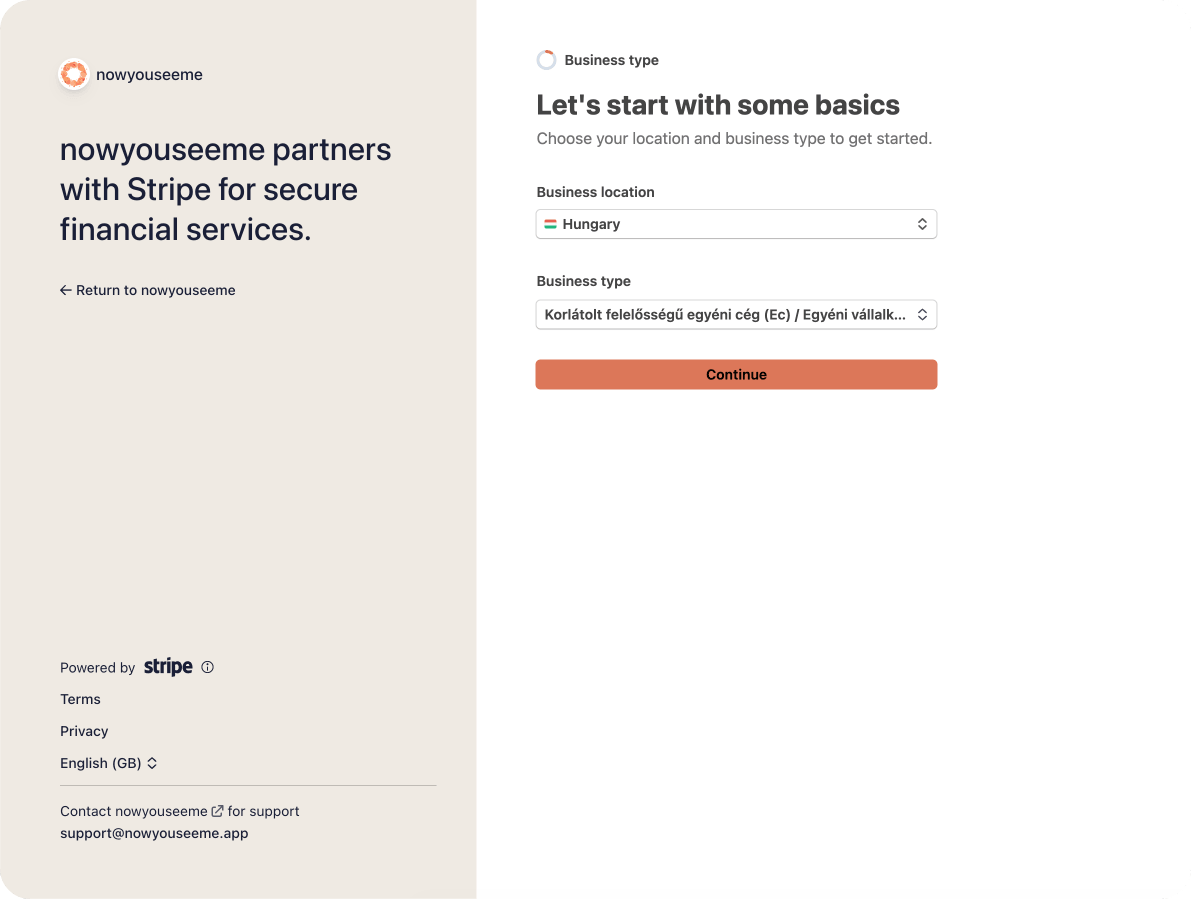
Stripe asks for your basic profile and business context. This is a normal first step so Stripe can set up the correct onboarding path for your country and account type.
2) Verify your personal details
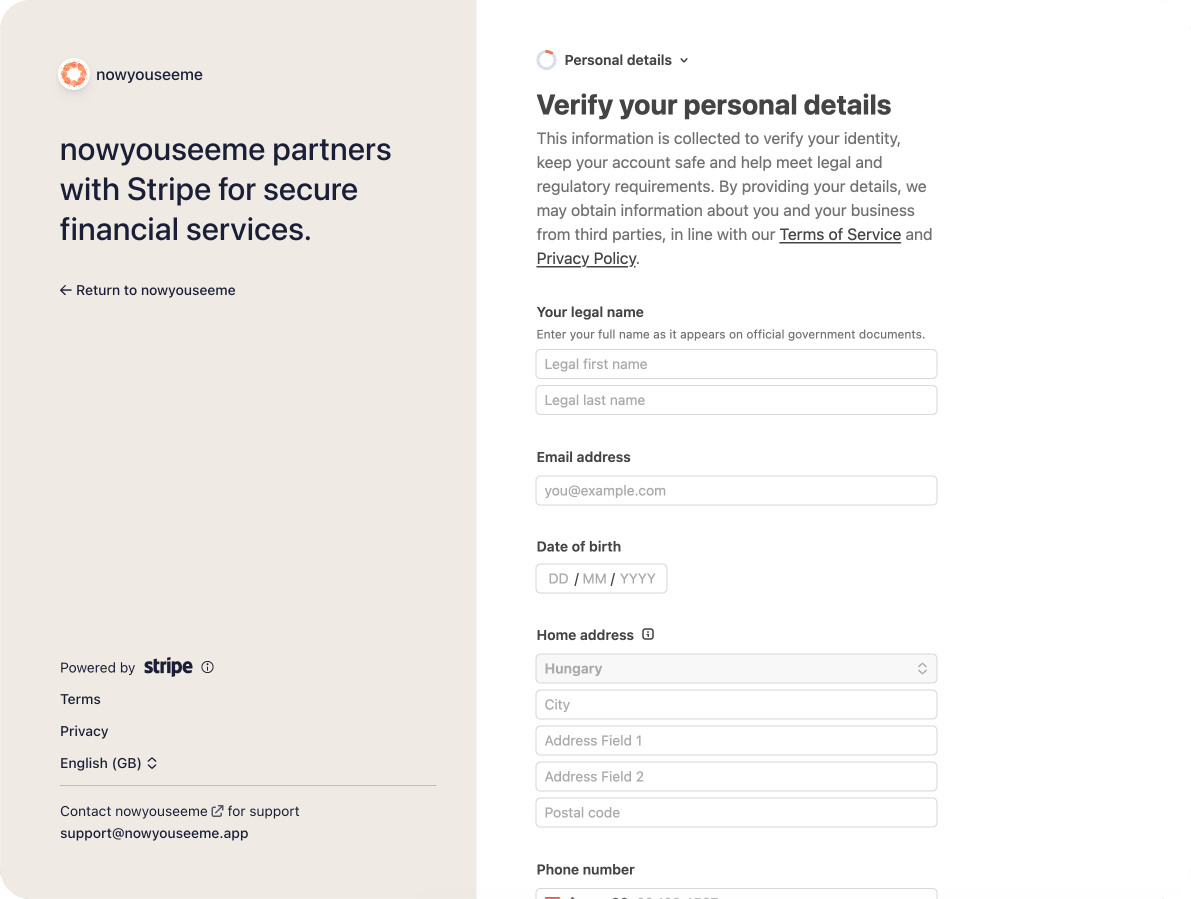
You will enter personal details like your legal name, date of birth, and address. Stripe needs this to comply with financial regulations before payouts can be enabled.
3) Verify your identity
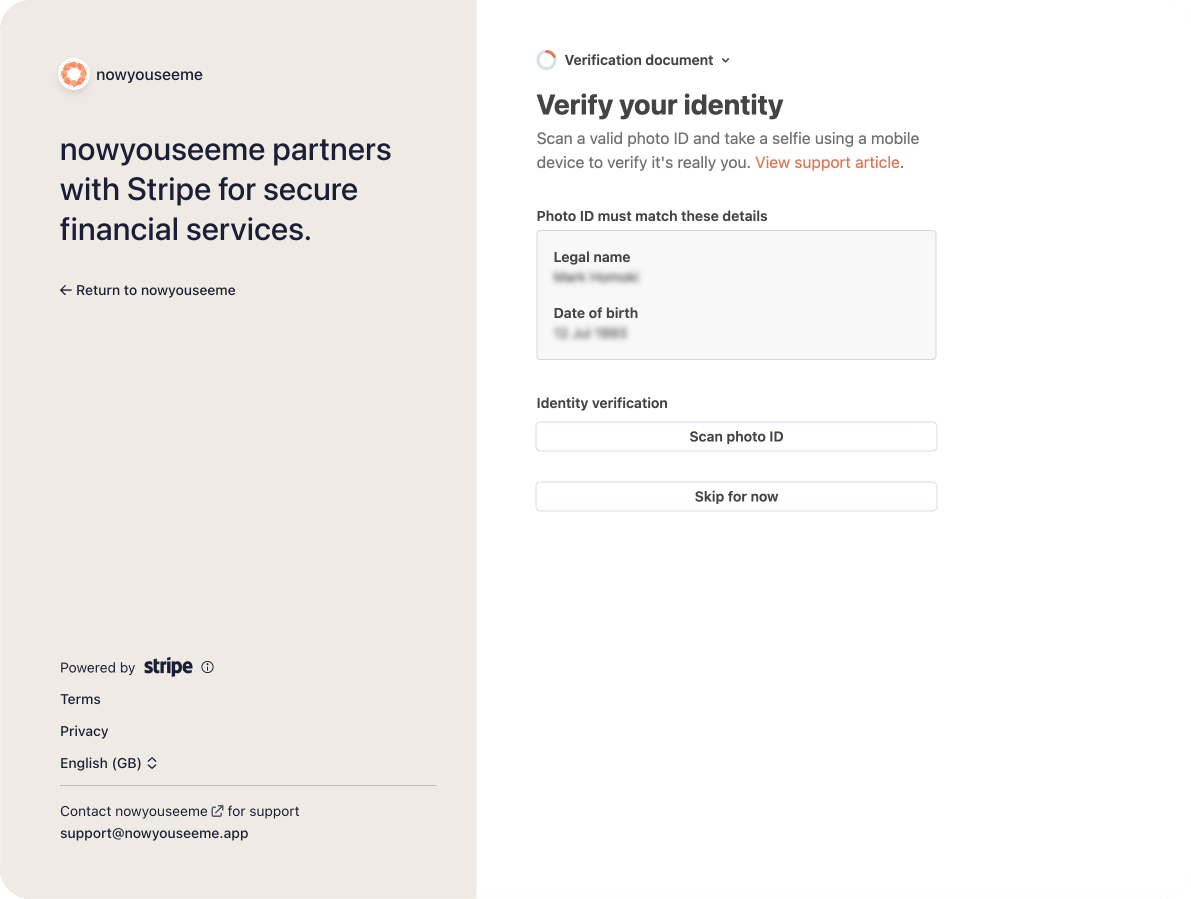
Stripe may ask for identity document details. This can feel strict, but it is a standard requirement for payment platforms and helps protect your account.
4) Verify your identity with Stripe (document check step)
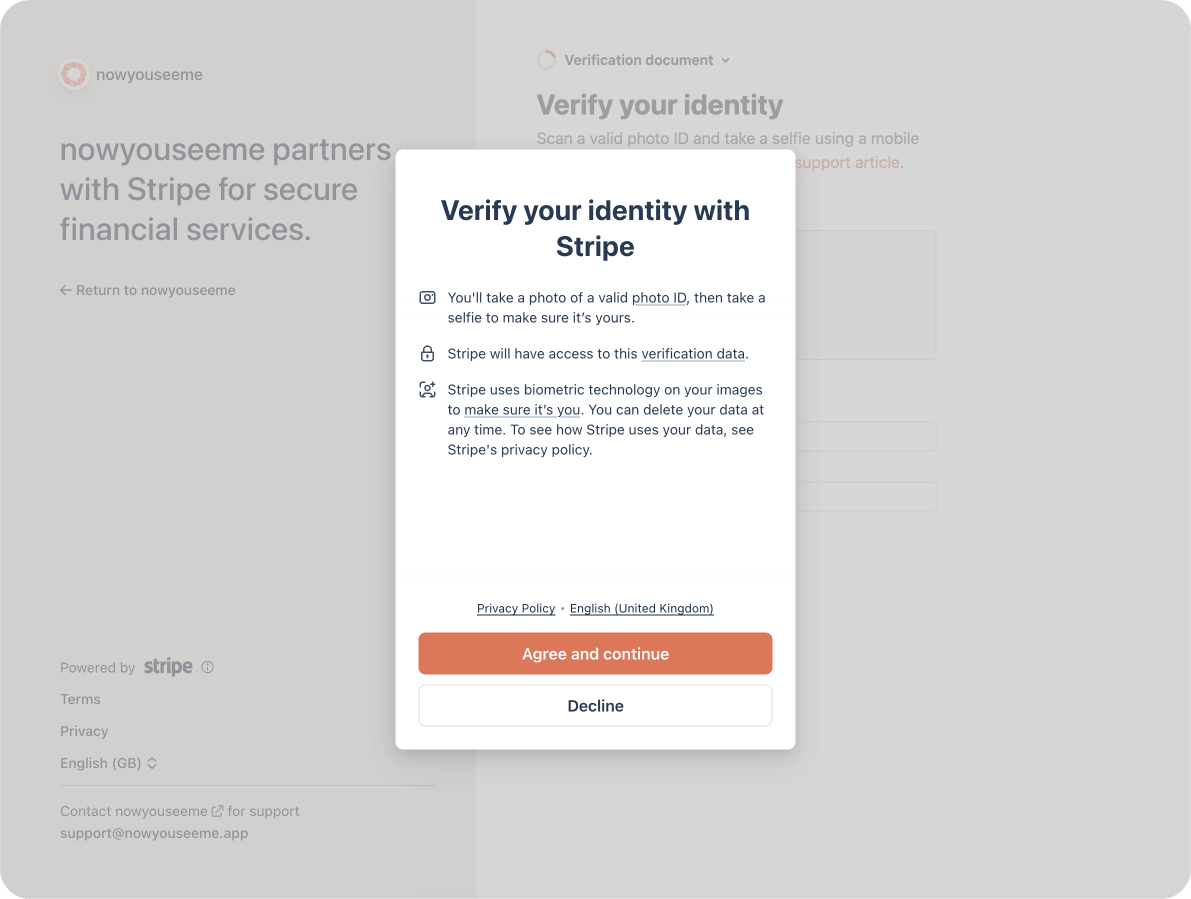
In this step, Stripe asks for document capture or additional checks. Stripe needs this to confirm that payouts are going to the right person.
5) Continue on your mobile device
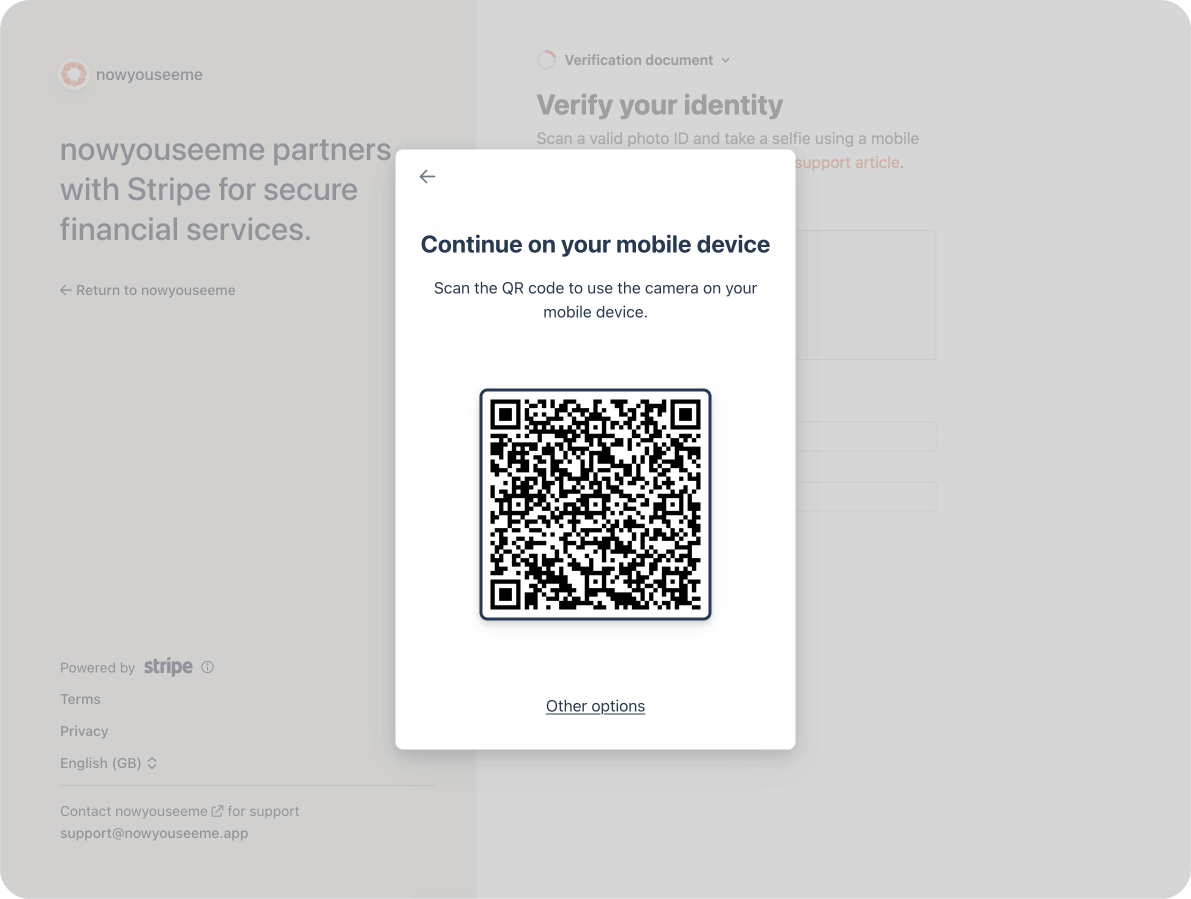
If Stripe asks you to continue on mobile, that is normal. Mobile capture is often used for faster and clearer identity verification.
6) Know when and where you need to collect VAT
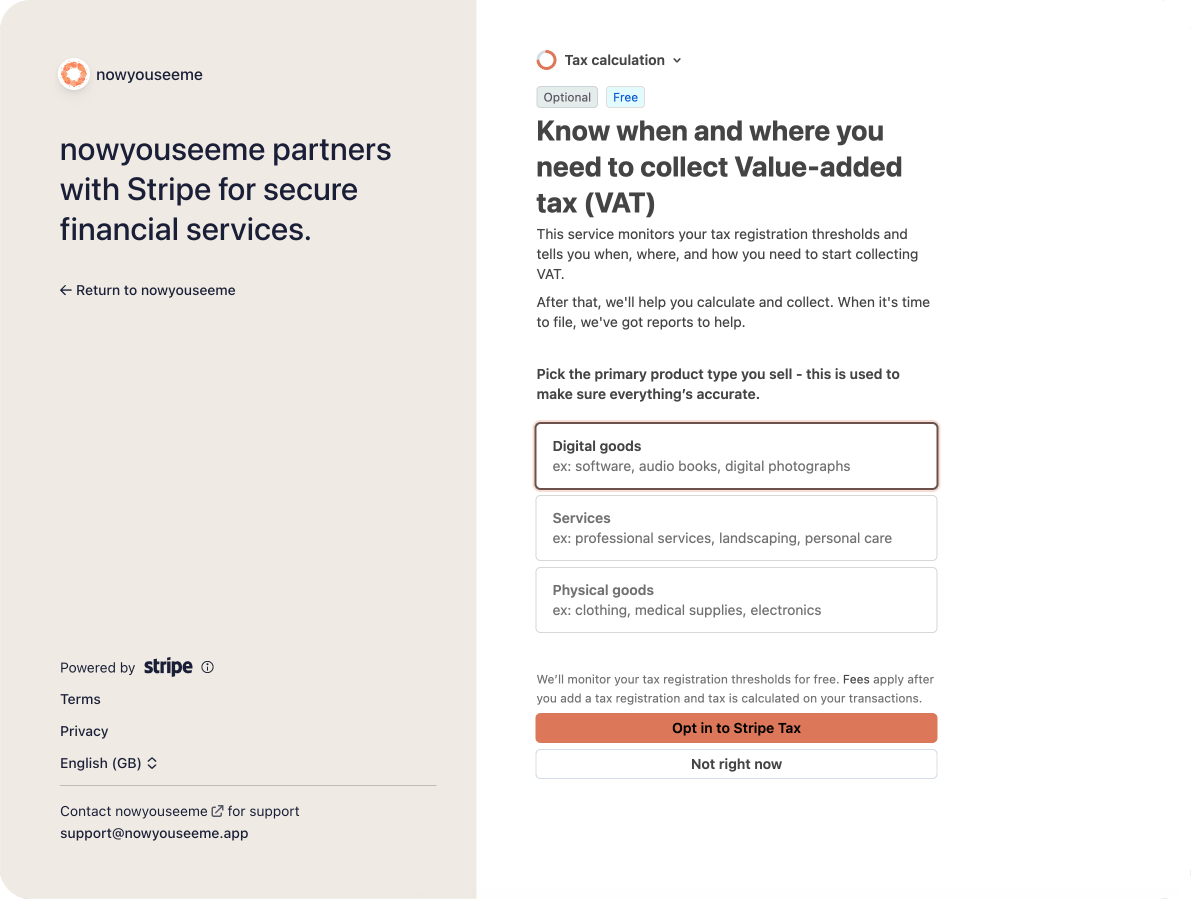
Stripe can show VAT/tax guidance based on your location and setup. VAT questions depend on your country and business setup, so read this screen carefully and provide accurate information.
7) Add an account for payouts
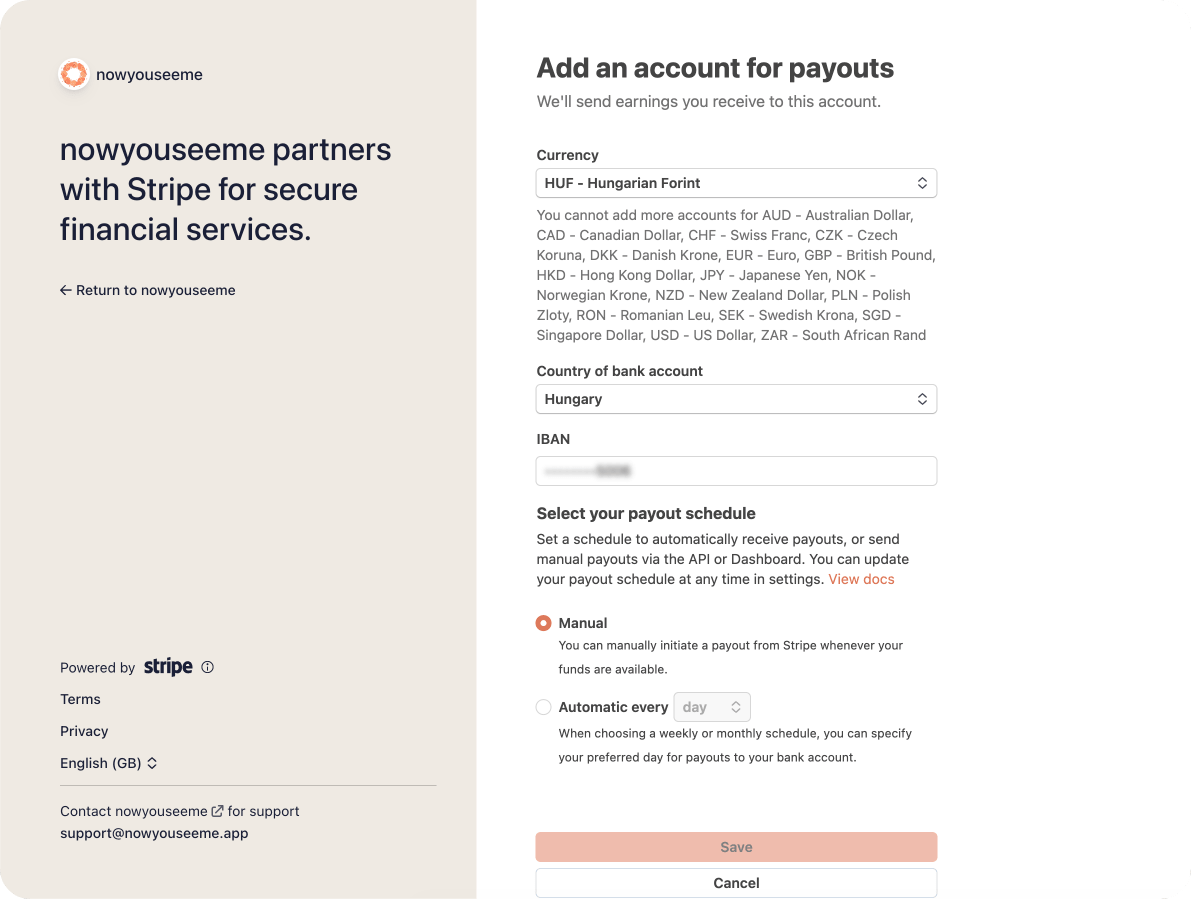
You add the bank account where Stripe should send your payouts. nowyouseeme does not store your full bank details — this stays in Stripe.
8) Review your details
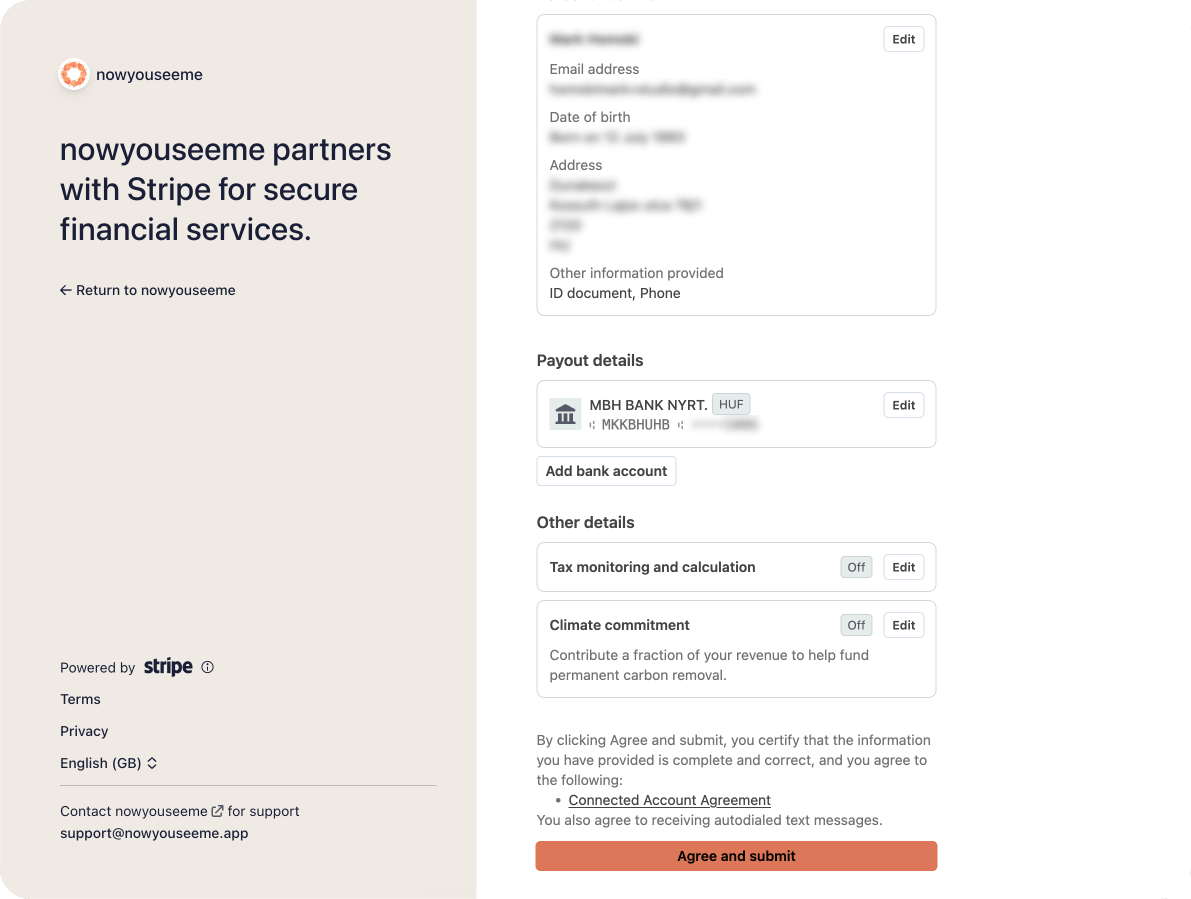
Stripe shows a final summary before submission. Check everything once more and submit to finish onboarding.
Is this flow normal?
Yes. Identity checks, payout account setup, and tax/VAT prompts are all standard parts of Stripe activation. If Stripe shows one of these steps, your onboarding is usually progressing as expected.
Want to understand your net payout after processing? See Stripe fees and payout examples.
More in Payments & payouts
- How Stripe onboarding worksYou are here
- Merchant of record, taxes and thresholds
- Refunds and chargebacks
- Selling products alongside memberships
- Stripe fees and payout examples